Home / APK caution
Sideload risk
A chat file with a similar icon is a different publisher
APK talk usually means someone wants you to leave the store. Leaving the store removes the last easy publisher check. This desk will not hand you a package to make that easier.
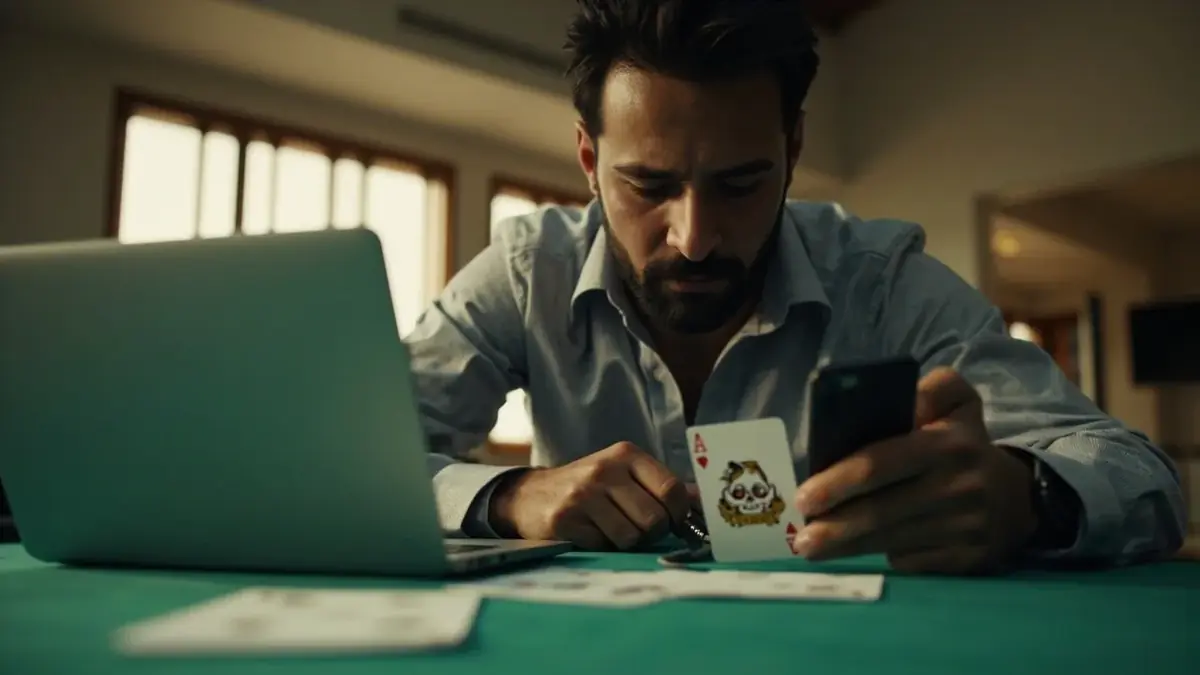
Pause before the cable meets the phone
The photograph is a pause on purpose. If you cannot explain why the store failed, you do not have a reason to sideload.
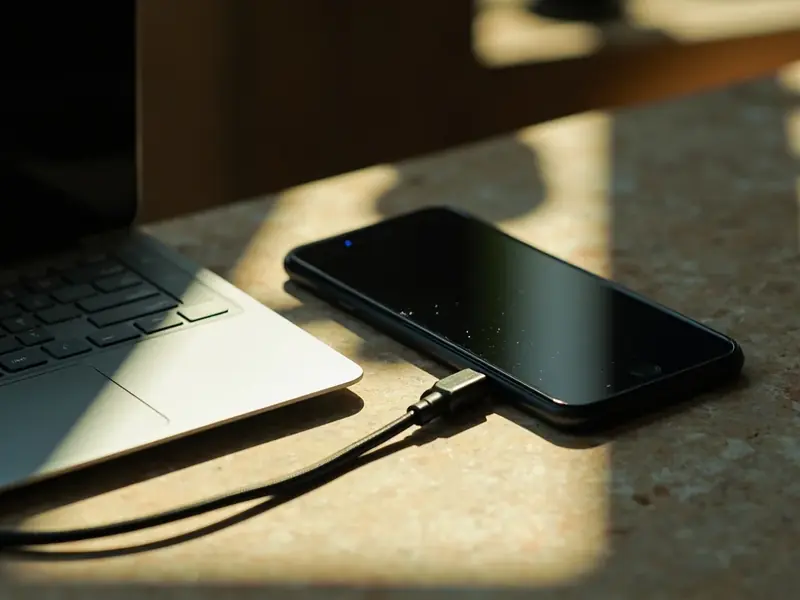
Unknown-source toggles are not a skill test
Android will warn you. The warning is the product. People who teach you to ignore it are teaching you to donate a session token.
Why unofficial mirrors fail the desk
Unsigned builds. Builds that request SMS and contacts for a card game. Builds that overlay a login on a lookalike host. Builds that cannot be uninstalled cleanly.
This desk will not compare version numbers it has not seen.
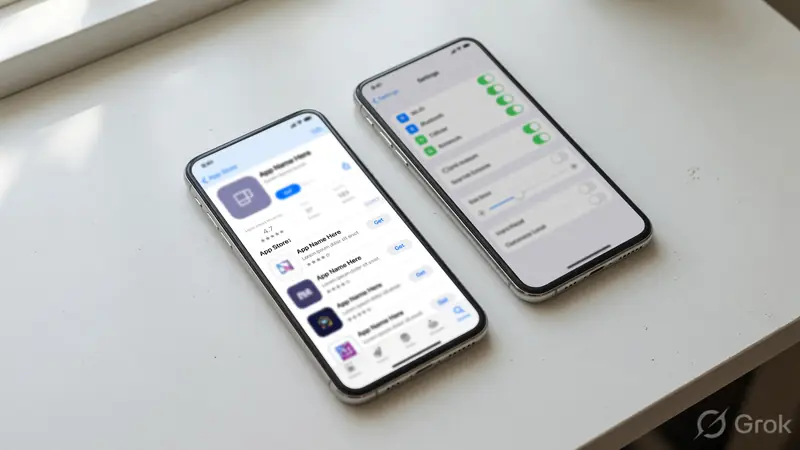
If you already sideloaded
Stop using it for money. Remove it. Change the password on a different device after you confirm the official host. Read delete-account if you also need to leave.
Do not ask this desk to bless a file you already have.
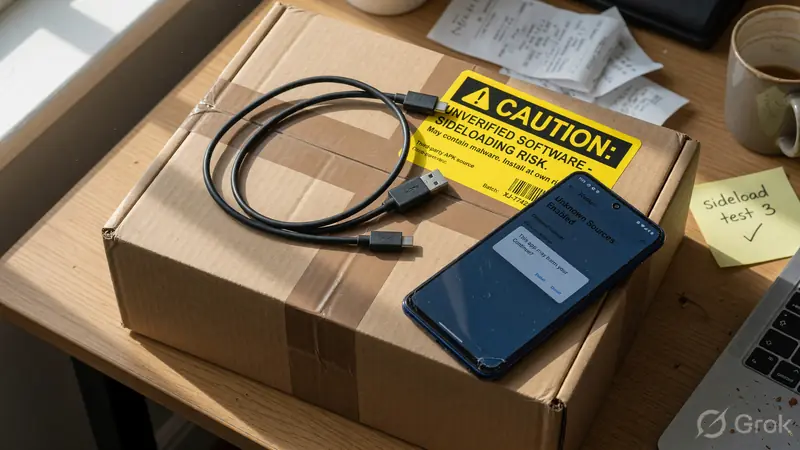
APK questions
Will you post an APK?
No.
Is sideloading ever acceptable?
Only if you can name an official package and a checksum. Even then, prefer the store.
My friend sent it.
Your friend is not a publisher.
It looks identical.
Icons are cheap.
Next?
Official website, then download notes.
If you needed a file, you will not get one here.
The caution is the deliverable.
What a hostile package actually wants
A chat APK that copies an icon is rarely interested in your discard pile. It wants a session cookie, an SMS stream or a second overlay that asks for a PIN. Those are not rummy features. They are why this desk refuses to host a file even as a convenience.
Unknown-source toggles exist because some manufacturers ship late store updates. That is not your situation if a stranger in a group chat offered a faster install. The store warning is doing the job this caution would otherwise have to shout.
If you already installed one, treat it as a compromised device for cash work. Remove the package. Change the password from a different device after you type the official host. Do not use the same cable to "save" the old build. There is nothing to save.
Version folklore, lucky builds and "this APK has better tables" are strategy talk wearing a security costume. Strategy cannot repair a stolen session. Send those claims to the bin with the file.
How to tell a hostile package without opening it
Publisher string, signature, store presence, permission list. Those four can be inspected before a first launch. A missing publisher string is already a fail. A signature that does not match a previous official build is a fail. A permission list that wants SMS and contacts for a card game is a fail. People skip those checks because the icon looks familiar. Icons are cheap. Session tokens are not. If a group chat argues that sideloading is normal in India, answer with the store warning, not with a speech about freedom. The warning exists because the cost of a bad file is an emptied wallet, not an aesthetic debate. After removal, change the password from a different device. Do not reuse the same cable as a souvenir. There is nothing to archive. This desk will not bless a file you already have. The caution is the deliverable. Official website, then download notes, then stop asking for a binary.
Four fails you can see before launch
Missing publisher string. If the installer cannot name who signed it, you cannot name who will receive the session. That is a fail before the first card is dealt.
Mismatched signature against any previous official build you actually had. People keep old APKs as souvenirs. Compare, then delete the souvenir. There is no lucky old build. Luck talk is how hostile files linger.
Permission list that wants SMS, contacts or accessibility services for a grouping game. A selfie camera can be argued. An SMS siphon cannot. Deny and leave the channel.
Distribution path that is a group chat, a drive folder or a shortened URL. Those paths exist to skip the store warning. The warning is the product. Honour it.
If you already launched one, treat the device as dirty for cash work. Remove the package. Change the password from another device after typing the official host. Do not migrate the old session as a convenience.
This desk will not host a cleaner file to replace yours. Official website, then download notes. Ask for a binary again and the answer stays no.
Why no file will appear later
A later file would turn this caution into a shop. The shop would then have to defend every signature. This desk will not take that job. The deliverable is the refusal.
People ask for just one trusted mirror. A trusted mirror is still a second publisher. Second publishers are how icons get cheap and sessions get expensive.
If Hyperwin later publishes an official package with a checksum, download notes will describe how to compare it. This route will still refuse to host the bytes.
Official website, store channel, then stop asking. A working table on a stolen build is not a success. It is a delay before the bill.
Four fails, then no
No publisher, bad signature, greedy permissions, chat distribution. Any one fail is enough. This desk will not host a replacement file. Remove a bad package. Change the password from another device after typing the official host.